
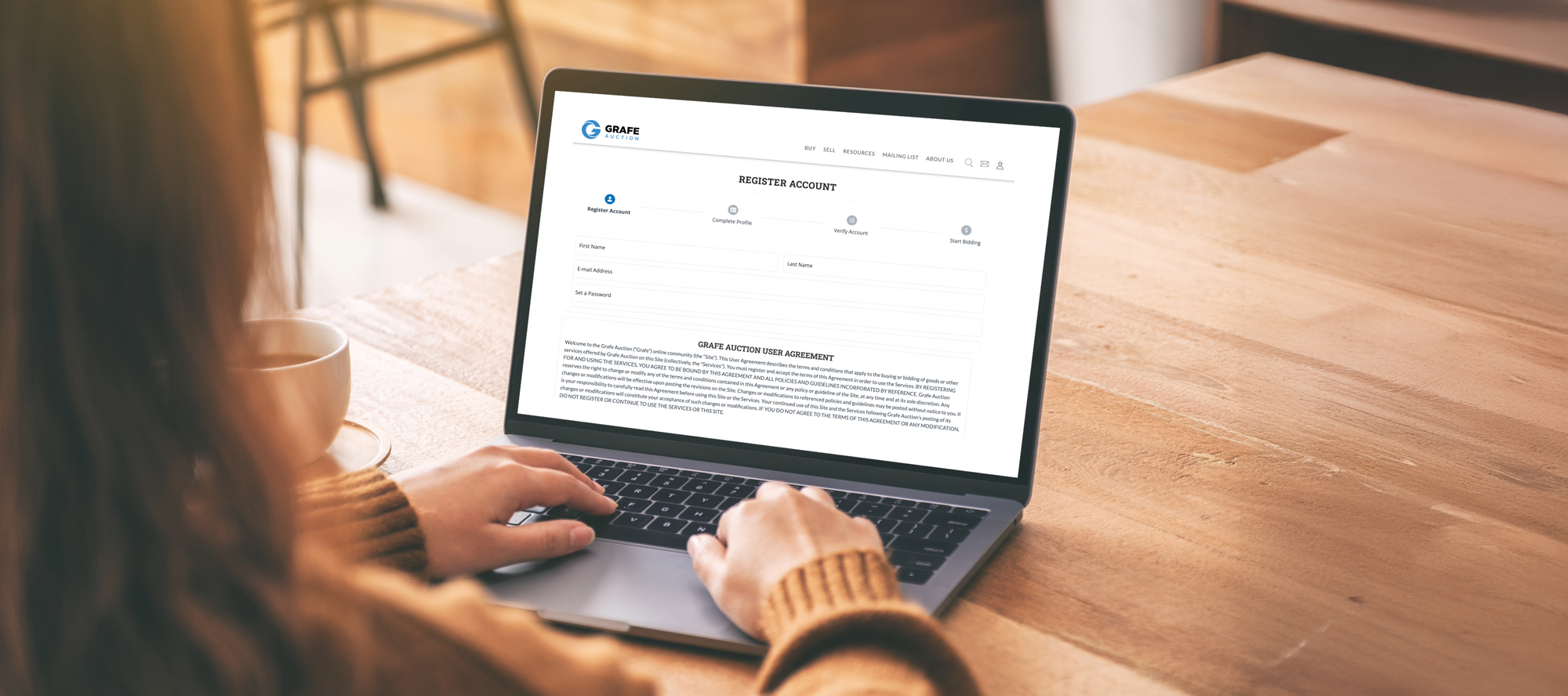
Thank you for choosing Grafe Auction! Getting started with us is quick and straightforward. Follow these simple steps to create your account and begin bidding on exciting items.
Step 1: Create Your Account
- Visit our account registration page
- Or click the person icon in the top right corner of the page. If you are on your mobile device, the person icon is at the bottom of the page.
- Fill in your basic information to establish your profile
Step 2: Complete the Verification Process
For your security and to ensure a trusted auction environment, we require verification of:
Email Verification
- Check your inbox for our verification email
- Click the confirmation link in the email
- If you've not previously confirmed your email address, you can request a new confirmation email through your profile (located in the upper right corner of your profile)
Phone Verification
- Go to your profile (located in the upper right corner of your profile)
- Click the "Verify Phone Number" button (located in the upper right corner of your profile)
- You will be asked to provide the 6-digit code via:
- Automated phone call from our service
- Text message
- Enter the code to complete verification
Identity Verification through Stripe (secure partner)
- Upload a photo of your government-issued photo ID
- Upload a selfie
- Stripe requests your consent before collecting biometric information
- Your verification data is used only according to:The permissions you grant before starting verificationStripe's Privacy Policy
Step 3: Start Bidding!
Once all three verifications are complete, you're ready to participate in our auctions. You can check out our upcoming events here.
Need Help?
- Check our "Why Can't I Bid?" troubleshooting guide
- If you're not finding what you're looking for, please contact us. We're happy to help.
Thank you for joining the Grafe Auction community. We look forward to your participation!